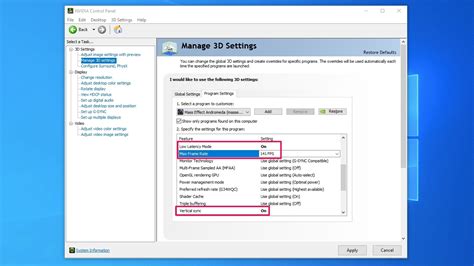
How do I properly enable G-Sync/FreeSync on my gaming monitor for tear-free gameplay?
Achieve buttery-smooth, tear-free gaming by properly enabling G-Sync or FreeSync on your compatible monitor with this comprehensive guide.
News, Guides, and Everything Gaming.






Achieve buttery-smooth, tear-free gaming by properly enabling G-Sync or FreeSync on your compatible monitor with this comprehensive guide.
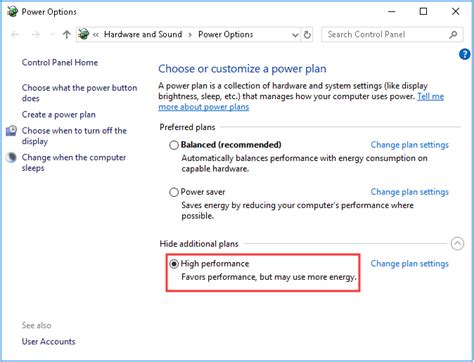
Unlock your PC’s full gaming potential by implementing these essential Windows optimization tips designed to boost your Frames Per Second (FPS) and enhance overall gameplay smoothness.
Maximize your gaming frame rates and minimize input lag by strategically adjusting key Windows settings and system configurations for peak performance.
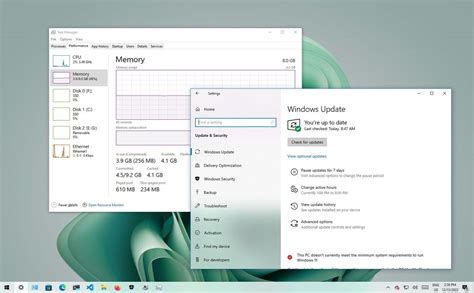
Unlock your PC’s full potential for gaming by implementing these essential Windows 10/11 optimization tips, from driver updates to power plan adjustments.
Unlock your PC’s full potential for gaming by implementing key Windows optimization strategies to significantly boost FPS and overall performance.