Guide: Safely resolving game mod conflicts & load order issues?
Learn how to safely identify, diagnose, and resolve common game mod conflicts and load order issues to ensure a stable and enjoyable modded gameplay experience.
News, Guides, and Everything Gaming.






Learn how to safely identify, diagnose, and resolve common game mod conflicts and load order issues to ensure a stable and enjoyable modded gameplay experience.

Learn how to ensure the safety and compatibility of game modifications and effectively utilize online community forums to diagnose and resolve common mod-related issues, ensuring a smoother gaming experience.
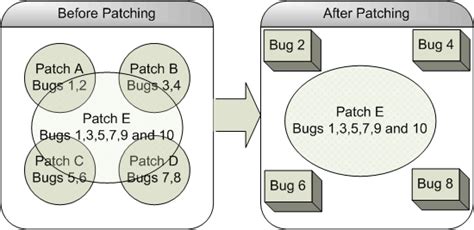
Navigate the often-frustrating world of post-patch mod conflicts with these actionable tips, from preparation and identification to updating and community support.

Learn essential strategies and best practices to ensure your game mods remain stable and functional even after official game updates.
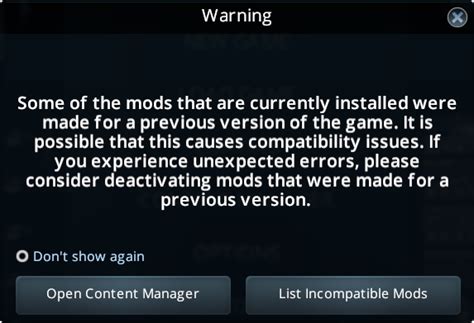
Discover effective strategies and step-by-step methods to safely identify and resolve conflicts between PC game mods, ensuring a smooth and enjoyable gaming experience.

This article provides essential tips and step-by-step guidance for diagnosing and resolving common crashes and errors encountered when using game modifications to enhance your gaming experience.

Effectively managing conflicting game modifications requires a strategic approach to both technical problem-solving and respectful engagement within online communities to foster positive support.

This article provides a comprehensive guide on identifying and resolving common bottlenecks that lead to low FPS in gaming PCs, ensuring optimal performance and a smoother gaming experience.

Learn to systematically diagnose and fix frustrating random FPS drops on your gaming PC by monitoring performance, updating drivers, checking hardware, and optimizing system settings for a smooth gaming experience.

Successfully troubleshooting game mod conflicts is crucial for maintaining a stable and enjoyable modded gameplay experience, requiring systematic identification and resolution strategies.