





What 144Hz monitor is best for competitive FPS gaming under $300?
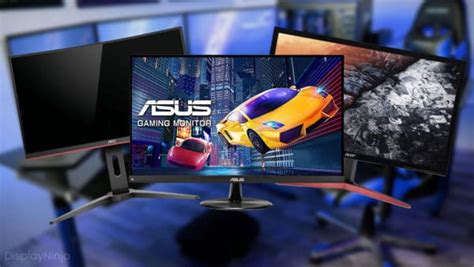
Why 144Hz is a Game-Changer for Competitive FPS
For serious competitive FPS gamers, a monitor’s refresh rate is paramount. A 144Hz display refreshes its image 144 times per second, significantly smoother than standard 60Hz monitors. This higher refresh rate translates directly into more fluid motion, reduced input lag, and the ability to react faster to in-game events. In fast-paced titles like CS:GO, Valorant, Overwatch, or Apex Legends, every millisecond counts, and a 144Hz monitor provides a tangible advantage, allowing you to track enemies more accurately and make split-second decisions with greater clarity.
Key Monitor Features to Prioritize Under $300
When searching for a 144Hz monitor within a $300 budget, you’ll need to focus on core performance metrics. Here’s what to look for:
1. Refresh Rate: 144Hz (or Higher)
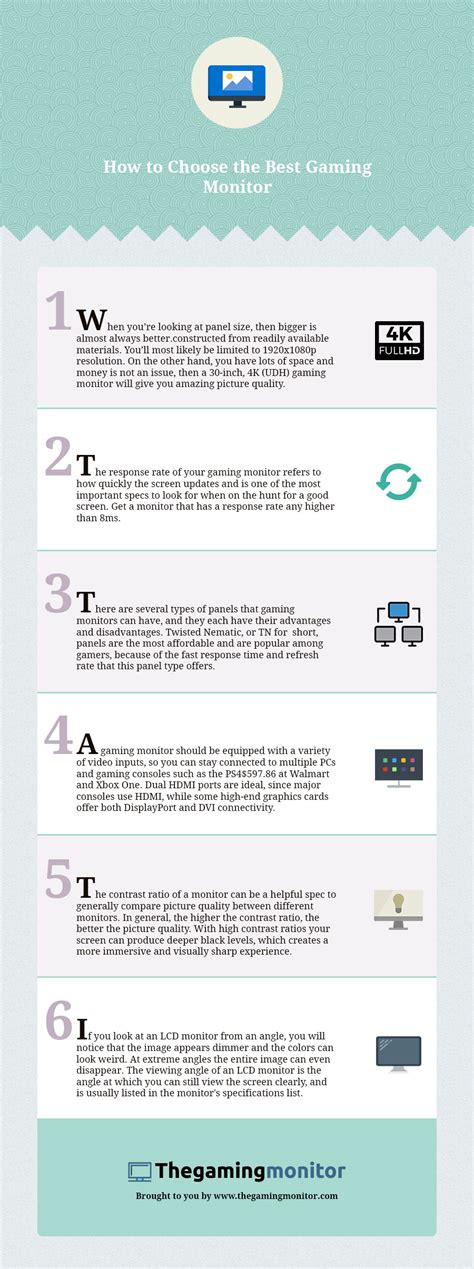
This is your non-negotiable baseline. While some budget monitors might offer 165Hz or even 170Hz, 144Hz is the sweet spot that delivers a massive upgrade over 60Hz without significantly increasing costs.
2. Response Time: 1ms (GtG or MPRT)
Look for a monitor with a 1ms Grey-to-Grey (GtG) or Moving Picture Response Time (MPRT). A low response time is crucial for competitive gaming as it minimizes ghosting and motion blur, ensuring crisp images even during rapid camera movements. This helps in tracking fast-moving targets without visual artifacts.
3. Panel Type: TN, IPS, or VA
- TN (Twisted Nematic): Traditionally the fastest and most affordable, TN panels offer excellent response times. The trade-off is often poorer color accuracy and narrower viewing angles. For pure competitive performance on a budget, TN is a strong contender.
- IPS (In-Plane Switching): IPS panels provide superior color accuracy and wider viewing angles compared to TN. Modern budget IPS panels have made significant strides in response times, often achieving 1ms GtG, making them a fantastic all-around choice if you can find one within budget.
- VA (Vertical Alignment): VA panels boast excellent contrast ratios, leading to deeper blacks. However, they typically have slower response times, particularly noticeable in dark scenes (black smearing), which can be a disadvantage in competitive FPS. They are generally less recommended for this specific use case unless you prioritize media consumption more.
4. Resolution: 1080p (Full HD)
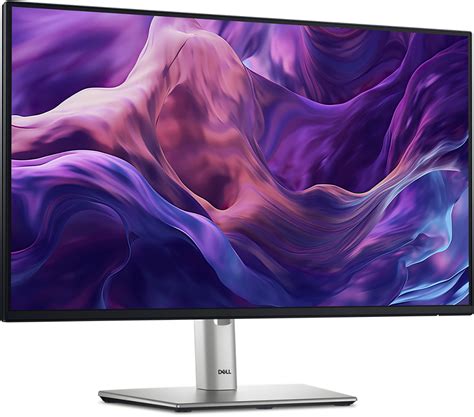
For competitive FPS gaming under $300, 1080p (1920×1080) is the optimal resolution. It’s easier for your graphics card to push high frame rates at 1080p, ensuring you can consistently hit 144 FPS or higher to fully utilize your monitor’s refresh rate. Going for 1440p at this price point usually means compromising on refresh rate, response time, or overall build quality.
5. Adaptive Sync: FreeSync or G-Sync Compatible
AMD FreeSync (and NVIDIA’s G-Sync Compatible program) synchronizes your monitor’s refresh rate with your GPU’s frame rate, eliminating screen tearing and stuttering. Most budget 144Hz monitors offer FreeSync, and many are also validated as G-Sync Compatible, providing a smoother gaming experience regardless of your graphics card brand.
Top Picks & What to Expect (General Categories)
While specific model recommendations can quickly become outdated or fluctuate in price, here are the types of monitors you should look for:
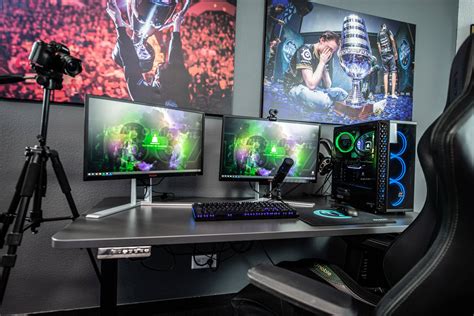
- Budget-Friendly TN Monitors: Brands like AOC, Acer, Sceptre, and ViewSonic often have TN panels that hit 144Hz and 1ms response times well within the $300 limit. These are typically 24-inch or 27-inch 1080p displays.
- Value IPS Monitors: Keep an eye out for sales on IPS models from brands like ASUS, MSI, Gigabyte, and LG. These can sometimes drop into the sub-$300 range, offering a great balance of speed and visual quality.
When comparing, always check user reviews for real-world performance, especially concerning ghosting and input lag.
Where to Compromise (and Where Not To)
To stay under $300, you’ll likely need to make some compromises. Don’t compromise on refresh rate (stick to 144Hz+) or response time (aim for 1ms). What you can usually let go of are:
- Ergonomics: Fancy stands with height/tilt/swivel/pivot adjustments might be basic. A VESA mount allows you to upgrade to a monitor arm later.
- Extra Features: USB hubs, built-in speakers, or HDR support (which is often rudimentary at this price) can be skipped.
- Panel Size: While 27-inch is popular, a 24-inch 1080p monitor offers higher pixel density, which can be beneficial for competitive play.
Conclusion: Your Best Bet for Competitive Edge
For competitive FPS gaming under $300, your best bet is a 1080p, 144Hz (or higher), 1ms response time monitor with adaptive sync support. Prioritize these core specs over premium features or higher resolutions. While TN panels often provide the best performance-to-price ratio in this segment, budget IPS options are increasingly viable, offering a better visual experience without sacrificing too much speed. By focusing on these critical specifications, you can secure a monitor that gives you a genuine competitive edge without emptying your wallet.


