





What are trusted community resources for safe, quality game mods and avoiding conflicts?
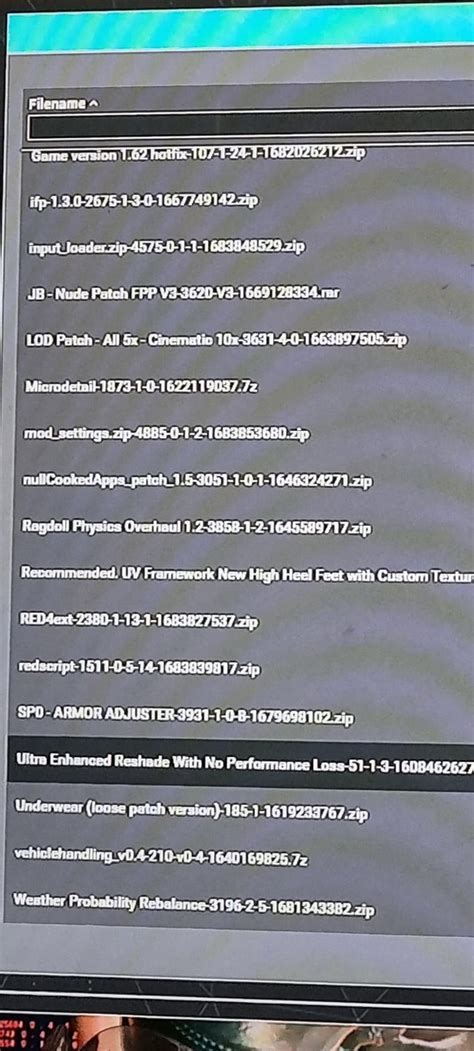
Game modification, or ‘modding,’ breathes new life into beloved titles, offering everything from graphical enhancements and new quests to complete gameplay overhauls. However, delving into the modding scene without proper guidance can lead to instability, corrupted save files, or even security risks. Identifying trusted community resources and understanding best practices for avoiding conflicts are crucial for a rewarding modding journey.
Why Trust Matters in Modding
The allure of modding is undeniable, but not all mods are created equal. Untrusted sources can host malicious software disguised as game enhancements, while poorly developed mods can introduce bugs, crashes, or severe performance issues. Relying on established platforms and communities ensures a higher likelihood of downloading safe, stable, and well-supported modifications.
Top Trusted Modding Hubs and Communities
Several platforms have become pillars of the modding community, known for their extensive libraries, robust moderation, and active user bases:
- Nexus Mods: Undeniably the largest and most popular modding site, Nexus Mods hosts millions of files for thousands of games. Its sophisticated platform includes a robust file manager (Vortex), detailed mod pages with forums, user reviews, and an active community.
- ModDB: While also hosting standalone indie games, ModDB is a fantastic resource for mods, particularly for older or less mainstream titles. It focuses heavily on user-created content and often features larger, more ambitious total conversion mods.
- Official Game Forums and Wikis: Many game developers foster modding communities on their official forums or maintain dedicated wikis. These are excellent places to find developer-endorsed tools, tutorials, and discussions from experienced modders.
- Dedicated Discord Servers: For specific games, especially those with thriving modding scenes (e.g., Skyrim, Minecraft, Stardew Valley), dedicated Discord servers offer real-time support, sharing, and troubleshooting directly from mod authors and veteran users.
Identifying Safe and Quality Mods
Even on trusted platforms, knowing how to discern a good mod from a problematic one is key:
- Author Reputation: Look for mods from well-known and respected authors with a history of creating quality content.
- User Reviews and Endorsements: High ratings, positive comments, and numerous endorsements (like kudos on Nexus Mods) are strong indicators of a mod’s quality and stability. Pay attention to feedback regarding compatibility and bugs.
- Download Counts and Update Frequency: A high number of downloads suggests popularity and widespread testing. Regularly updated mods usually mean the author is actively maintaining them, addressing bugs, and ensuring compatibility.
- Mod Descriptions and Requirements: Thoroughly read the mod page for detailed descriptions, installation instructions, compatibility notes, and any required dependencies (like script extenders or other base mods).
Strategies for Avoiding Mod Conflicts
Conflicts arise when two or more mods try to alter the same game files or functionalities, leading to unexpected behavior or crashes. Proactive measures can mitigate these issues:
- Use a Mod Manager: Tools like Vortex (Nexus Mods) or Mod Organizer 2 (MO2) are indispensable. They help install, enable, disable, and uninstall mods cleanly, manage load orders, and often detect potential conflicts before they cause problems.
- Understand Load Order: The order in which mods load can be critical. Generally, mods that should override others need to load later. Mod managers often have built-in sorting tools (like LOOT for Bethesda games) or allow manual adjustment.
- Read Compatibility Notes: Mod authors often list known incompatibilities or patches required for specific mods. Heed these warnings to prevent headaches.
- Install Gradually and Test: Instead of installing dozens of mods at once, add them in small batches and test your game regularly. This helps pinpoint which mod is causing an issue if one arises.
When Conflicts Arise: Troubleshooting and Support
Even with careful planning, conflicts can still happen. The community remains your best ally for troubleshooting:
- Mod-Specific Forums/Posts: Check the comments section or dedicated forum thread for the problematic mod. Others may have encountered and solved the same issue.
- Community Discord Servers: Many game modding Discords have dedicated troubleshooting channels where experienced users can offer tailored advice.
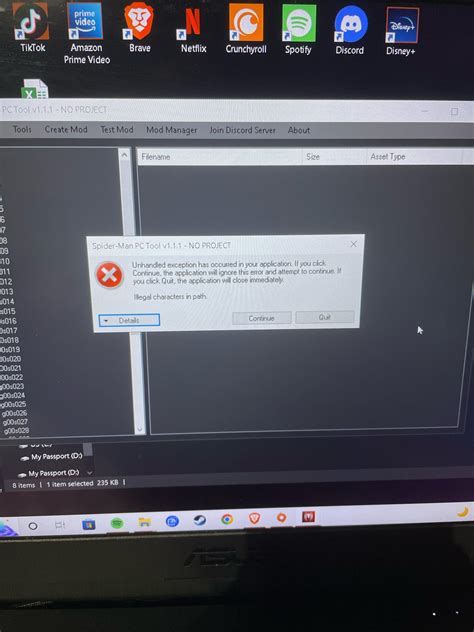
- Clean Installation: In severe cases, a complete reinstallation of the game and its mods (after backing up saves) might be the most effective solution. Mod managers make this process less painful.
Embracing game modding enriches your gaming experience in countless ways. By sticking to trusted community resources and adopting smart practices for installation and conflict resolution, you can confidently explore the vast, creative world of game modifications and keep your virtual adventures running smoothly.

