How to efficiently filter gaming news & updates for specific games?

In the vast and ever-expanding universe of video games, staying updated with news and developments for your favorite titles can feel like an overwhelming task. With thousands of games, developers, publishers, and content creators vying for attention, sifting through the noise to find relevant information about a specific game requires a targeted approach. This guide will equip you with strategies and tools to efficiently filter the deluge of gaming news, ensuring you never miss a critical update for the games you care about most.
The Challenge of Gaming Information Overload
The digital age brings with it an unprecedented volume of information. For gamers, this means a constant stream of announcements, patches, DLCs, esports results, fan theories, and more. While exciting, this flood can quickly obscure the specific details you’re looking for, making it difficult to keep track of a particular game’s journey. Randomly browsing news sites or social media often leads to irrelevant content, consuming valuable time and mental energy.
Leveraging Official Channels
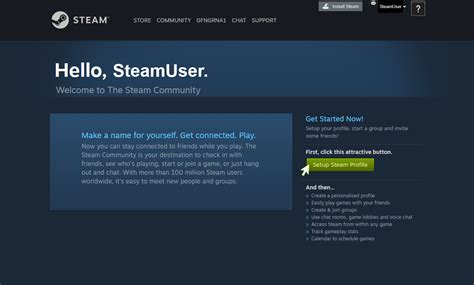
The most reliable and direct source of information about a specific game often comes directly from its creators. Developers and publishers have a vested interest in communicating effectively with their player base.
- Official Websites & Blogs: Most games, especially ongoing live-service titles, maintain a dedicated website or blog. Bookmark these for your top games and check them periodically for official announcements, patch notes, and development roadmaps.
- Developer/Publisher Social Media: Follow the official Twitter, Facebook, Instagram, or YouTube accounts of the game and its studio. These platforms are frequently used for quick announcements, community interaction, and showcasing new content. Create a dedicated social media list or feed for these accounts to keep them separate from your general feed.
- Newsletters: Sign up for official email newsletters. While sometimes infrequent, these often provide comprehensive summaries of recent updates and upcoming events, delivered directly to your inbox.
Harnessing Community Power
The gaming community itself is a powerhouse of information and discussion. Engaged players often share insights, datamine, and aggregate news faster than official channels can. They also provide valuable context and discussion.
- Dedicated Subreddits & Forums: For almost every popular game, there’s a highly active subreddit or official forum. These communities are excellent for finding detailed discussions, player-discovered secrets, and curated news. Use the search function and follow specific threads for topics of interest.
- Discord Servers: Many games have official or large community-run Discord servers. These offer real-time chat, dedicated channels for news, patch notes, LFG (looking for group), and direct interaction with developers or community managers. Carefully select which servers to join to avoid information overload.
- Fan Wikis & Databases: Comprehensive wikis (e.g., on Fandom) are invaluable for detailed information about game mechanics, lore, items, and patch history. While not strictly ‘news,’ they help contextualize updates.
Advanced Filtering Tools & Techniques
Beyond manual checks and community engagement, several tools can automate and refine your news gathering process.
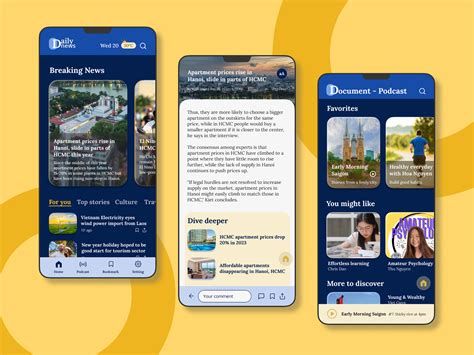
- RSS Readers: Many gaming news sites and official blogs offer RSS feeds. An RSS reader (like Feedly, Inoreader, or The Old Reader) allows you to subscribe to these feeds and consolidate all updates into a single, organized dashboard. You can categorize feeds by game, ensuring you only see what’s relevant.
- Customizable News Aggregators: Platforms like Google News or Flipboard allow you to create custom feeds based on keywords (e.g., “[Game Name] update,” “[Game Name] patch notes”). This pulls articles from various sources, and you can fine-tune your keywords to improve accuracy.
- Google Alerts: Set up Google Alerts for specific game titles and key phrases (e.g., “[Game Name] news,” “[Game Name] release date”). You’ll receive email notifications whenever new content matching your criteria appears on Google’s index.
- Browser Extensions: Some extensions can help filter content on social media or news sites based on keywords, though their effectiveness varies.
Strategic Social Media Usage
Social media can be a double-edged sword. While it’s a source of real-time updates, it’s also a significant contributor to information overload. Smart usage is key.
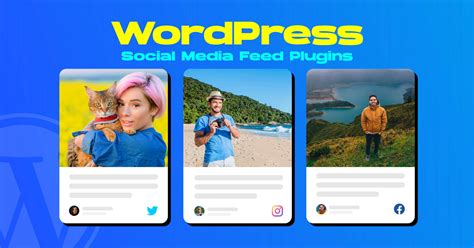
- Curated Lists: On platforms like Twitter, create private or public lists consisting *only* of official game accounts, reputable news outlets for your specific games, and key developers. Check these lists directly instead of your main feed.
- Keyword Muting: Most social media platforms allow you to mute keywords or hashtags. Use this to block out news about games you have no interest in, creating a cleaner, more relevant timeline.
- Follow Sparingly: Be selective about who you follow. Prioritize official sources and trusted, dedicated content creators for your specific games. Unfollow accounts that consistently post irrelevant content.
Conclusion: Your Personalized Gaming News Hub
By combining these strategies, you can transform the chaotic stream of gaming news into a highly personalized and efficient information hub. Start by identifying the primary sources for your favorite games, then leverage community resources for deeper dives, and finally, employ advanced filtering tools to automate the process. Regular maintenance of your subscriptions, alerts, and social media lists will ensure your system remains effective, keeping you perfectly informed about the games that matter most to you.