





Should I upgrade my GPU or CPU first for better framerates in new AAA games?

Understanding the Bottleneck in Your Gaming PC
When you’re chasing higher framerates in the latest AAA titles, the perennial question arises: should you upgrade your Graphics Processing Unit (GPU) or your Central Processing Unit (CPU) first? The answer isn’t always straightforward, as both components play critical roles in how smoothly your games run. Understanding which part of your system is limiting performance – known as a bottleneck – is key to making the right upgrade decision and getting the most bang for your buck.
In essence, a bottleneck occurs when one component in your system restricts the potential of another, more powerful component. For instance, a very strong GPU paired with an old, slow CPU might mean the GPU isn’t being fully utilized because the CPU can’t feed it data fast enough. Conversely, a powerful CPU paired with an aging GPU will see the CPU waiting on the GPU to finish rendering frames.
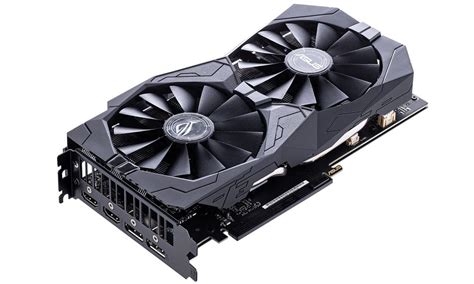
The Graphics Card (GPU) – The Primary Mover
For most modern AAA games, especially at higher resolutions (1440p, 4K) or with demanding graphical settings, the GPU is typically the primary determinant of framerates. The GPU is responsible for rendering all the visual information on your screen: textures, lighting, shadows, complex geometry, and special effects. A more powerful GPU can process this data faster, leading to higher framerates and a smoother, more immersive visual experience.
If your current GPU is several generations old, struggles to maintain playable framerates even at lower settings, or consistently hits 99-100% utilization while your CPU idles, then a GPU upgrade is likely your best first step. New AAA games are constantly pushing graphical fidelity, making a strong GPU almost a prerequisite for an enjoyable experience.
The Processor (CPU) – The Unsung Hero
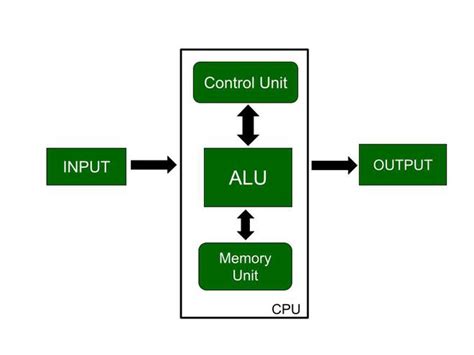
While the GPU handles the visuals, the CPU is the brain behind the operations. It manages game logic, artificial intelligence (AI), physics calculations, drawing calls (telling the GPU what to render), and background processes. In certain scenarios, particularly with CPU-intensive games like large open-world titles, grand strategy games with many units, or competitive multiplayer shooters with high player counts, the CPU can become the bottleneck.
An outdated or underpowered CPU might struggle to process all this information quickly enough, even if paired with a powerful GPU. This can lead to lower minimum framerates, framerate drops in busy scenes, and a less consistent gaming experience, where your GPU might not even be reaching its full utilization.
Identifying Your Current Bottleneck
The best way to determine whether your CPU or GPU is the bottleneck is to monitor their usage while gaming. Tools like MSI Afterburner (with RivaTuner Statistics Server), NZXT CAM, or even Windows Task Manager can display real-time usage percentages for both components.
- GPU Bottleneck: If your GPU usage consistently hovers around 90-100% while your CPU usage is significantly lower (e.g., 50-70%), your GPU is likely the bottleneck.
- CPU Bottleneck: If your CPU usage is consistently high (e.g., 90-100%) and your GPU usage is notably lower (e.g., 50-70%), especially in demanding areas, then your CPU is the bottleneck.
It’s important to note that these figures can fluctuate depending on the game, specific scene, and in-game settings. A balanced system will show both CPU and GPU working efficiently, ideally with neither consistently maxed out while the other idles.
When to Prioritize a GPU Upgrade
You should lean towards upgrading your GPU first if:
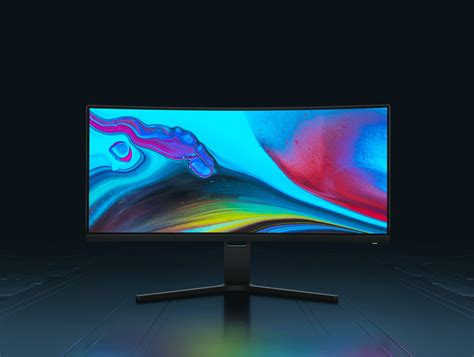
- You play at 1440p, 4K, or aim for very high refresh rates (144Hz+) at 1080p.
- Your current GPU is several generations old and struggles with modern game settings.
- Monitoring shows your GPU consistently at or near 100% utilization while gaming.
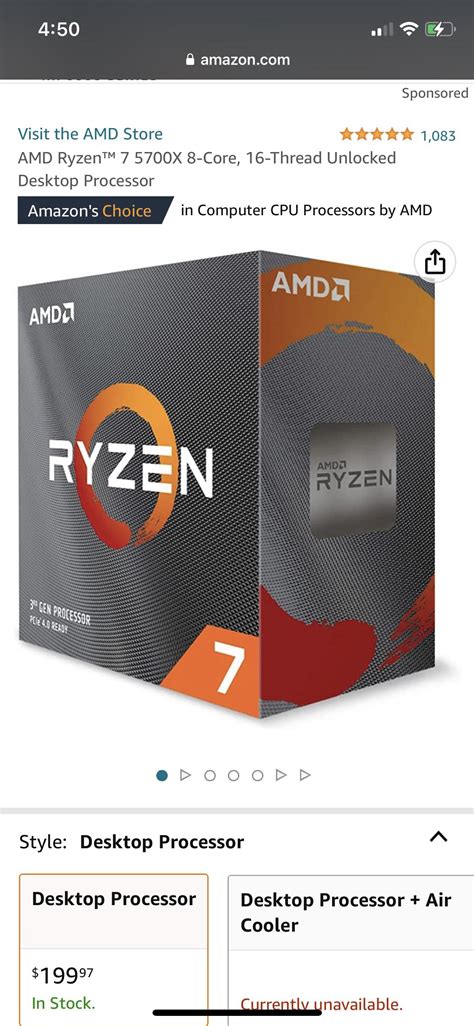
- Your CPU is a relatively modern mid-range or high-end processor (e.g., Intel i5/i7/i9 from the last 3-4 generations or AMD Ryzen 5/7/9).
When to Prioritize a CPU Upgrade
Consider upgrading your CPU first if:
- Your CPU is significantly older (e.g., 6+ generations old) and struggles to keep up, even with a decent GPU.
- Monitoring shows your CPU consistently at or near 100% utilization, while your GPU is underutilized.
- You primarily play CPU-intensive games (e.g., open-world RPGs, simulation, grand strategy, or competitive esports at very high framerates).
- You notice significant framerate drops in busy game areas regardless of graphical settings.
The Role of RAM and Storage
While less impactful on raw framerates than the GPU or CPU, adequate RAM and fast storage are also crucial for a smooth gaming experience. Most modern AAA games benefit greatly from 16GB of RAM, and many are starting to recommend 32GB for optimal performance. Additionally, installing games on a Solid State Drive (SSD) significantly reduces loading times and can help with texture streaming in open-world titles, preventing stutters.
Ensure these components are not overlooked, as they form the foundation upon which your CPU and GPU operate. A system with sufficient RAM and SSD storage will allow your core components to perform at their best.
Budget and Future-Proofing Considerations
Your budget will inevitably influence your decision. A GPU upgrade can often be a simpler plug-and-play affair, whereas a CPU upgrade, especially for older platforms, might necessitate a new motherboard and RAM, turning it into a more significant (and expensive) platform overhaul. When planning, consider the overall cost and what each upgrade path offers in terms of performance gains relative to your investment.
Look at benchmarks for the specific games you play with various CPU and GPU combinations. This will give you the most accurate picture of what to expect. Aim for a balanced system where neither component is severely underpowered compared to the other to avoid creating a new bottleneck immediately after your upgrade.
Conclusion: A Balanced Approach is Key
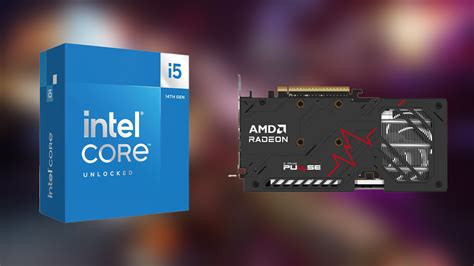
Ultimately, the choice between upgrading your GPU or CPU first depends entirely on your specific system, the games you play, and your performance goals. For most gamers targeting higher framerates in new AAA titles, the GPU often provides the most noticeable improvement, especially at higher resolutions and settings. However, neglecting an aging CPU can severely limit even the most powerful graphics card.
By monitoring your system’s performance and understanding the roles of both components, you can make an informed decision that leads to a significant and satisfying boost in your gaming experience. Aim for a balanced system where all components work in harmony to deliver the best possible framerates and overall fluidity.


