CPU or GPU first for gaming FPS boost? Maximize upgrade value.
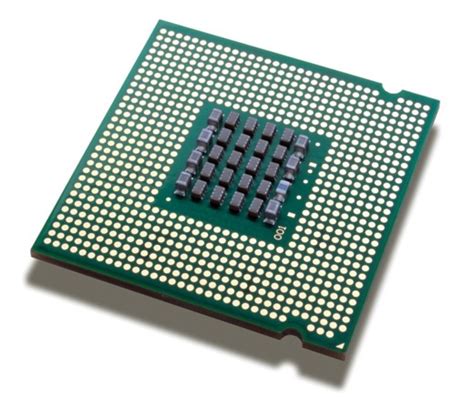
For PC gamers, the eternal question often arises: which component should I upgrade first to get the most significant boost in gaming FPS – the Central Processing Unit (CPU) or the Graphics Processing Unit (GPU)? This decision can be complex, influenced by your current hardware, the games you play, and your budget. Making the right choice is crucial not only for boosting performance but also for maximizing the value of your hard-earned money.
Understanding the Role of CPU and GPU
Before making an upgrade decision, it’s essential to understand the primary functions of both your CPU and GPU in gaming. The Graphics Processing Unit (GPU), often referred to as the graphics card, is the powerhouse responsible for rendering images, textures, and effects. It’s what draws the world you see on screen, handling everything from complex 3D models to lighting and shading. A more powerful GPU generally means higher resolutions, better graphics settings, and smoother frame rates in graphically intensive titles.
On the other hand, the Central Processing Unit (CPU) acts as the “brain” of your computer. In gaming, it handles game logic, physics calculations, AI, managing draw calls for the GPU, and background processes. While it doesn’t render graphics directly, a weak CPU can “starve” even a powerful GPU by not providing data fast enough, leading to a bottleneck that limits overall FPS.
Identifying Your Current Bottleneck
The most effective way to decide on your first upgrade is to identify which component is currently holding back your system’s performance – its bottleneck. You can do this by monitoring your CPU and GPU utilization while gaming. Tools like MSI Afterburner, HWMonitor, or the Task Manager (in Windows) can display real-time usage percentages. If your GPU usage is consistently at 99-100% while your CPU usage is low (e.g., 50-70%), your GPU is likely the bottleneck. Conversely, if your CPU is maxed out while your GPU is underutilized, then your CPU is the bottleneck.
When to Prioritize a GPU Upgrade
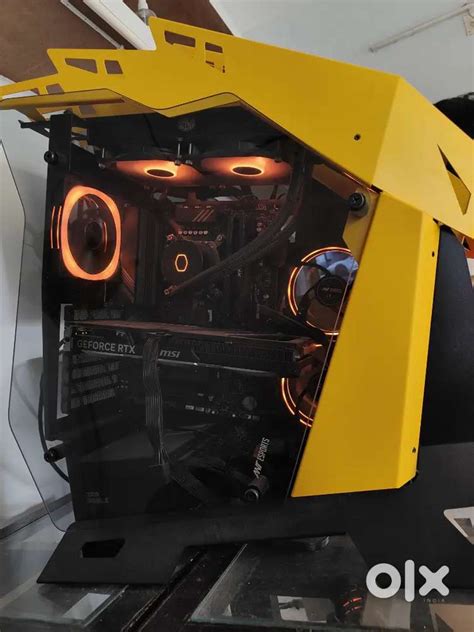
In most modern gaming scenarios, especially when aiming for higher resolutions (1440p, 4K) or maximum graphical fidelity, the GPU tends to be the primary determinant of frame rate. If your CPU is a relatively modern mid-range to high-end chip (e.g., an Intel i5/i7 from the last 3-5 generations or a Ryzen 5/7 equivalent) and your monitoring shows high GPU utilization, then upgrading your graphics card will almost certainly yield the most significant FPS boost. Graphically demanding AAA titles, open-world games with lush environments, and games utilizing advanced visual effects often stress the GPU far more than the CPU.
When to Prioritize a CPU Upgrade
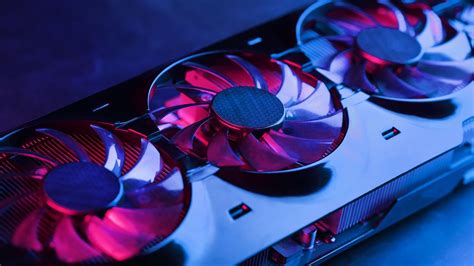
While the GPU often takes center stage, there are distinct scenarios where a CPU upgrade will deliver a more impactful FPS boost. This is particularly true for gamers targeting very high refresh rates (120Hz, 144Hz, or more) at lower resolutions like 1080p, where the CPU needs to process frames incredibly quickly to feed the GPU. CPU-intensive games, such as grand strategy titles (e.g., Civilization, Stellaris), city builders (e.g., Cities: Skylines), simulation games, or massive multiplayer online (MMO) games with numerous player characters, also often benefit more from a powerful CPU. If you have an older or budget-tier CPU paired with a relatively decent GPU, and your CPU utilization is frequently hitting 90-100% in games while your GPU idles below its potential, then a new processor is your best bet.
The Importance of Balance and Budget
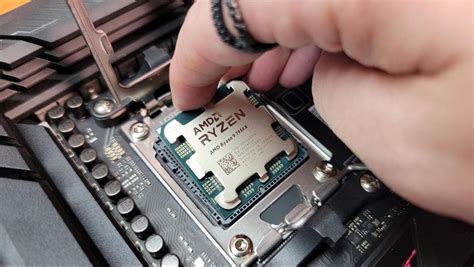
A truly optimized gaming PC achieves a balance between its components. An overpowered GPU paired with an anemic CPU, or vice-versa, can lead to inefficiencies where one component waits for the other, wasting potential performance. Consider your budget holistically. Sometimes, a smaller upgrade to both components (e.g., a mid-range CPU and a mid-range GPU) can provide a more balanced and enjoyable experience than a single, high-end upgrade that creates a new bottleneck elsewhere in the system. Don’t forget that a CPU upgrade might also necessitate a new motherboard and RAM, adding to the overall cost.

Making the Smart Upgrade Decision
To make the smartest upgrade decision, follow these steps:
- Monitor Your System: Use performance overlay tools to track CPU and GPU usage in the games you play most.
- Identify the Bottleneck: The component consistently hitting 99-100% usage while the other is significantly lower is your primary bottleneck.
- Consider Game Types & Settings: If you play CPU-intensive games or aim for high FPS at lower resolutions, lean towards CPU. For high resolutions or maxing graphics, lean towards GPU.
- Assess Your Budget: Factor in potential platform upgrades (motherboard, RAM) for CPU changes.
- Research: Look up benchmarks for the specific games you play with potential upgrade components.
Conclusion: Maximize Your Value
Ultimately, deciding between a CPU and GPU first for an FPS boost is not a one-size-fits-all answer. It’s a strategic decision based on careful analysis of your current system and gaming habits. By understanding how each component contributes to performance, identifying bottlenecks, and balancing your budget, you can make an informed choice that not only provides a satisfying FPS boost but also ensures you get the most value out of your gaming hardware upgrade. Prioritize the component that is currently limiting your frame rate the most, and you’ll be well on your way to a smoother, more immersive gaming experience.