





How to structure game guides to balance spoiler-free help with comprehensive content?

The Delicate Balance: Helping Without Spoiling
Creating a truly effective game guide is an art form, especially when the goal is to provide comprehensive help without inadvertently ruining a player’s experience through spoilers. Gamers often seek assistance for specific challenges, boss fights, or collectible locations, but they want to discover story elements, plot twists, and character reveals on their own. The key lies in strategic structuring and thoughtful content delivery.
Understand Your Audience and Their Intent
Before writing a single word, consider who will be reading your guide and why. Are they stuck on a puzzle and need a direct solution? Are they completionists looking for every secret? Or are they casual players wanting general tips without story details? A good guide anticipates these varied needs and caters to them, often by allowing readers to control the information they consume.
Implement a Modular and Hierarchical Structure
The foundation of a balanced guide is a robust, easy-to-navigate structure. Utilize clear headings (<h2>, <h3>, <h4>) to break down content into manageable, digestible sections. A prominent table of contents at the beginning is essential, allowing users to jump directly to the specific area they need help with without scrolling through unrelated content that might contain spoilers.
Organize by game chapters, quests, areas, or specific mechanics. This modularity ensures players can pinpoint their problem without being exposed to future events.
Strategic Spoiler Management Techniques
This is where the balancing act truly shines. Implementing explicit spoiler warnings and interactive elements can empower players to decide what they see.
- Explicit Warnings: Clearly label sections that contain major spoilers (e.g., plot twists, boss identities, ending details) with a visible warning.
- Toggle/Collapse Features: Use JavaScript-based toggle or collapse elements for highly sensitive information. This allows the spoiler text to be hidden by default and only revealed when a user clicks an explicit “Show Spoiler” button.
- Separate Sections/Guides: Consider having entirely separate sections or even distinct guides for story walkthroughs versus collectible locations or side quests. This prevents someone looking for a specific item from accidentally reading about a major plot point.

Progressive Information Disclosure
Structure your content to reveal information progressively. Start with general tips and non-spoilery advice, gradually moving towards more detailed walkthroughs for specific challenges. For instance, a section on early-game combat strategies should not immediately reveal late-game boss weaknesses. When discussing puzzles, offer hints first, then a full solution, allowing players to try solving it themselves before resorting to a direct answer.
Differentiating Core Progress from Optional Content
One of the most common ways players encounter spoilers is when they’re looking for optional content. Clearly delineate between main story quests and side quests, optional bosses, collectibles, or lore entries. Dedicate separate subsections, or even entire pages, to optional content, making it easy for players to stick to the main story path without accidental revelations.
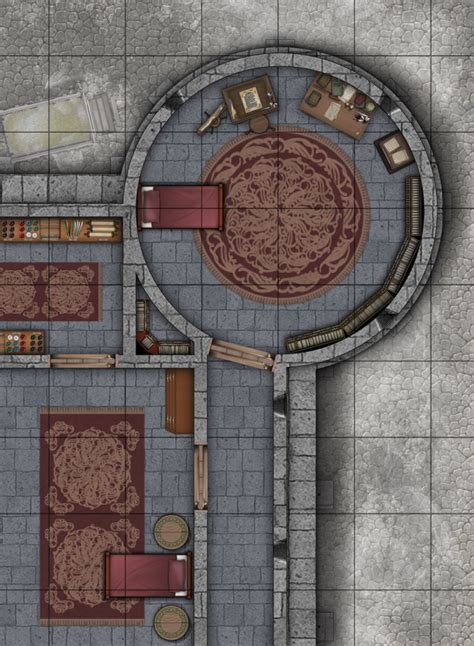
For collectibles, provide clear instructions and map locations but avoid mentioning their significance to the plot unless explicitly warning the reader.
Leverage Visuals and Interactive Elements Wisely
Visual aids like maps, diagrams, and screenshots are incredibly helpful, but they can also be significant sources of spoilers. When using visuals:
- Map Design: Use maps that only show the areas relevant to the current section. If displaying a full-game map, obscure or blur out unexplored areas or future locations. Interactive maps that allow users to toggle different layers (collectibles, quest markers) are ideal.
- Screenshots: Be judicious with screenshots. Avoid showing character reveals, late-game environments, or specific story events unless the section is explicitly labeled as a spoiler zone. Focus on showing mechanics, puzzle solutions (without context), or item locations.

Conclusion
Balancing spoiler-free assistance with comprehensive content is a continuous effort in game guide creation. By focusing on a clear, modular structure, implementing robust spoiler management techniques, and thoughtfully curating both text and visuals, you can create a guide that serves as an invaluable resource for players, enhancing their gaming experience rather than diminishing it. Always prioritize the player’s choice in how much information they wish to uncover.



